
Released on January 13, 2026 | Golive Marketplace Listing | Version History
Action Required
This release upgrades Golive to a new Forge-based version. This is a technical upgrade only and does not introduce any functional changes. There is no impact on how users work with Golive.
To complete the upgrade, a Jira Administrator must follow these steps:
-
Go to Settings → Marketplace apps
-
Click Take me here
-
Locate Golive and click View app details
-
Click the Update button
If the upgrade is not completed by February 8, 2026, the Golive app will stop working until it is updated.
Golive URLs have changed
This technical upgrade introduces a new set of URLs for Golive pages. As a result, any existing browser bookmarks or shortcuts pointing to Golive pages will no longer work and should be updated.
New Features
New Forge Custom Fields
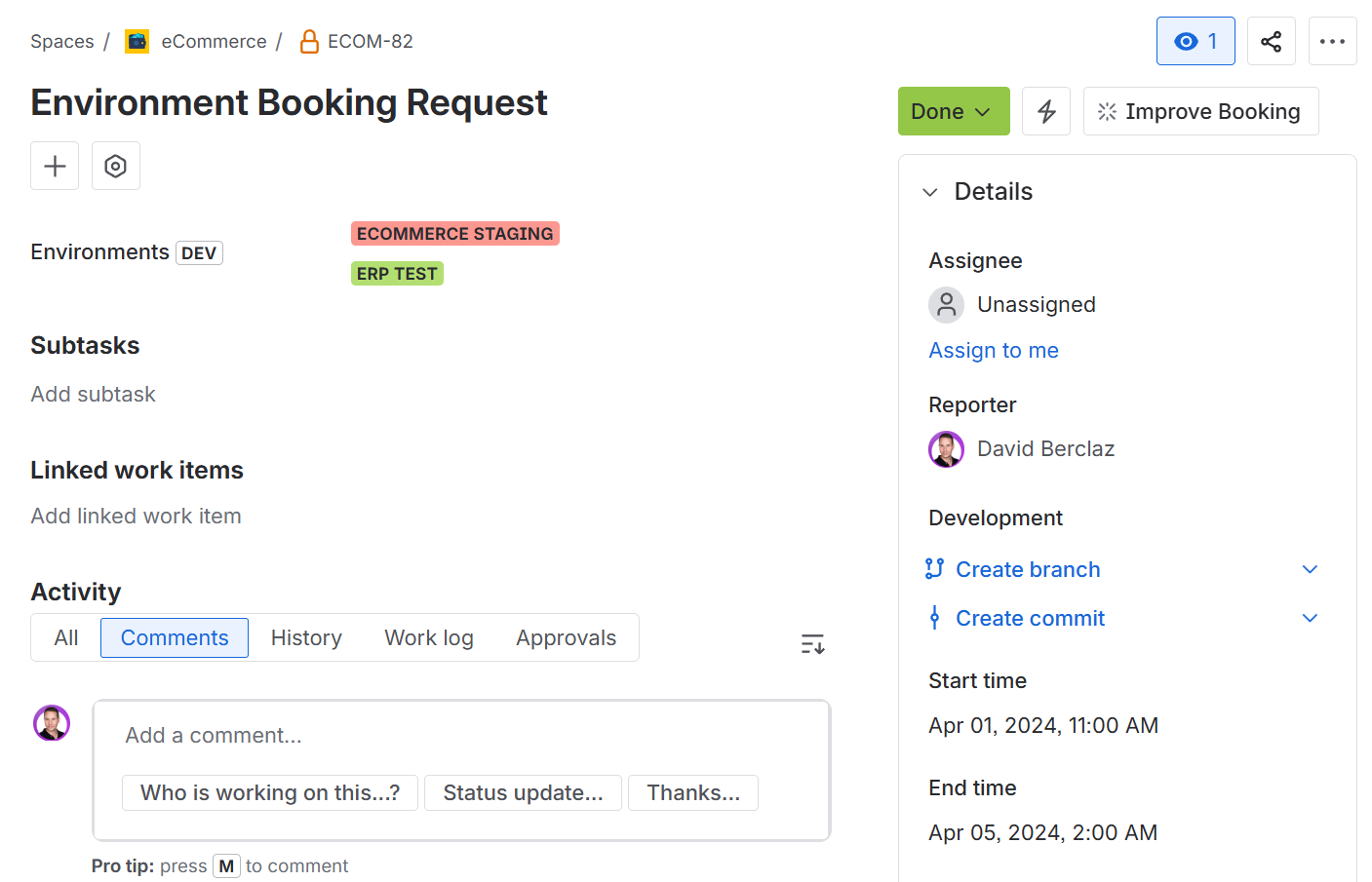
Golive custom fields are moving to the Forge platform. This brings richer Environment details into Jira issues, including status colors and deployed version tooltips. These new fields also lay the foundation for future features, such as Environment suggestions.
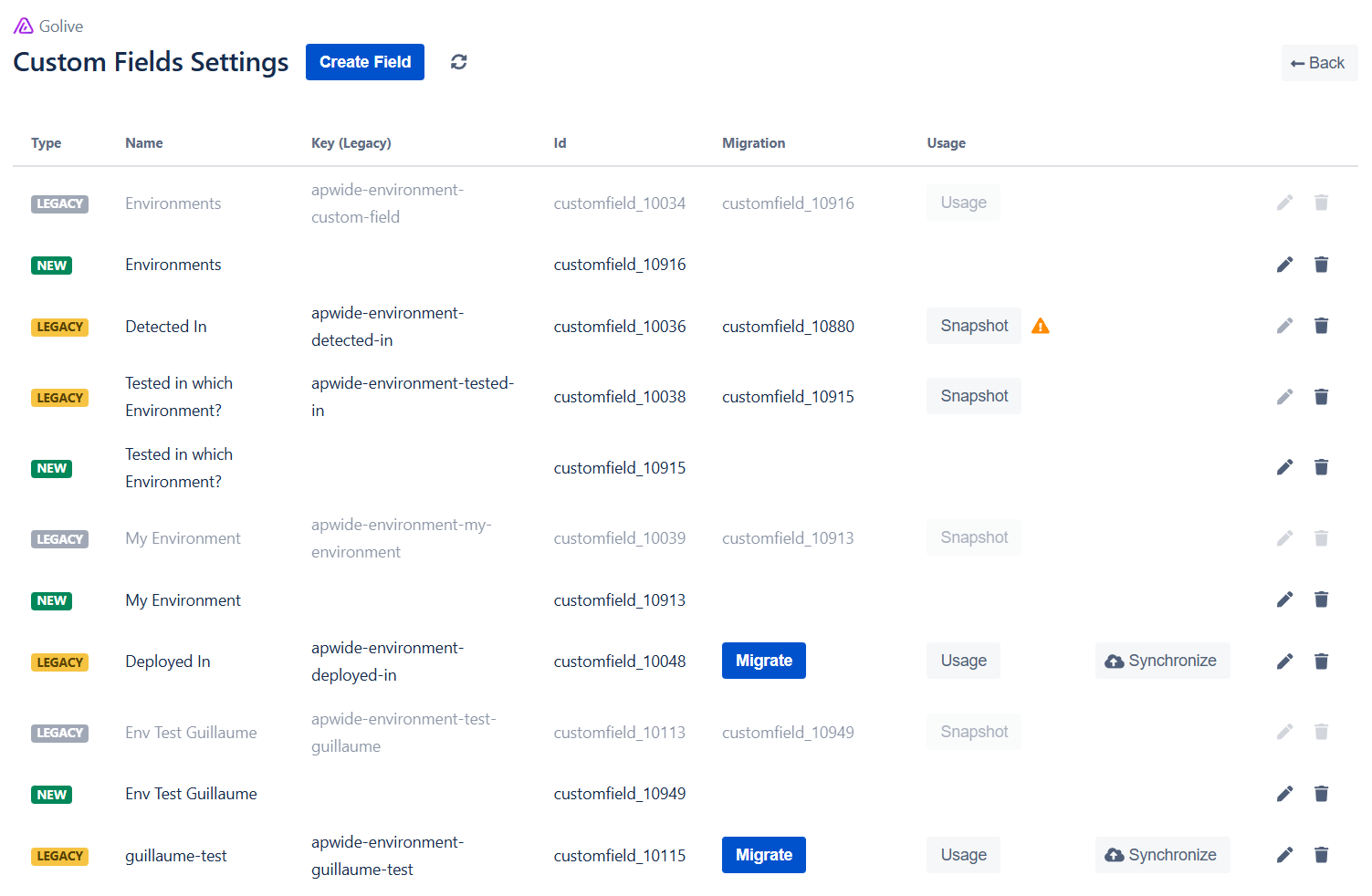
To benefit from these improvements, all legacy Golive custom fields must be migrated:
-
In Golive Settings, open the the Custom Fields section.
-
Click Migrate next to a legacy field.
-
Follow the wizard to create the corresponding Forge new field.
-
If applicable, update custom automations and integrations to use the new field.
-
Delete the legacy field. A snapshot of its configuration is kept for reference.
Action Required
If the migration is not completed by February 15, 2026, it will run automatically. This may impact your scheduling configuration and custom automations.
If you need help, schedule a call with our support team.
Environment IDs shown in Jira Boards
With the new Forge-based Golive custom fields, Jira boards may display environment IDs instead of names (columns, swimlanes, cards, filters).
This is a current Jira limitation with Forge custom fields. Boards can only display the stored value (the ID) and cannot resolve environment names.
-
This is expected behavior today
-
It only affects board display
-
Issue view always shows the correct environment names
What we are doing:
We are working on a Golive Jira Automation action that will resolve environment metadata (name, application, group) and let you populate board-friendly text fields automatically. This improvement will be available soon.
Instance Data Reset
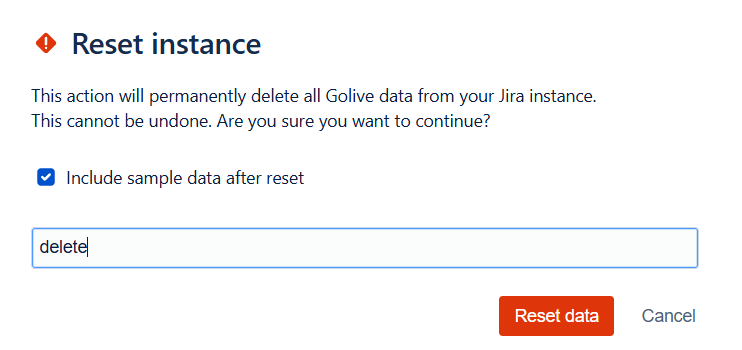
You can now reset all Golive data in your Jira instance. This action is irreversible and cannot be rolled back.
All Golive product data is permanently deleted, except for:
-
REST API tokens.
-
Golive custom fields and their values.
-
Jira Project Settings.
After selecting Instance Data Reset in Golive Settings, you can choose whether to include sample data after the reset. For step-by-step instructions, refer to the Instance Data Reset documentation.
The reset reinitializes all permissions and all Jira administrators and Jira users are assigned the Golive Administrator permission. Review the Permissions Settings documentation after completing the reset.
Improvements
-
We improved color contrast in the Golive Automation editor to ensure readability in both light and dark Jira themes.
Bug Fixes
-
Fixed an issue where a booking could be incorrectly auto-approved when it started after and ended before an already approved booking.
-
Fixed broken in-app documentation links that redirected to incorrect documentation articles.
We appreciate your feedback and thank you for your continued support.
Give feedback · Get support · Request a feature