
You can filter events displayed on the Timeline by using Quick Filters found under the View Browser.
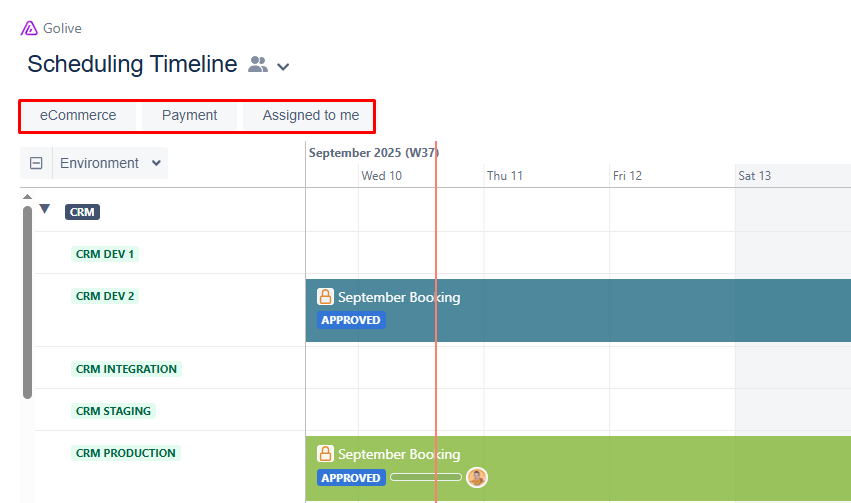
Create Quick Filters
Requirements
To create Quick Filters, you must be a Timeline Owner.
Steps
-
Open the Timeline where you want to add Quick Filters.
-
Click Edit at the top-right to enter Edit Mode.
-
Click the funnel icon under the View Browser.
-
Choose the relevant filters from the following options:
-
Environments
-
Projects
-
Issue Statuses
-
Issue Resolutions
-
Versions
-
Version Statuses
Tip
For additional filtering criteria, click the + More button to expand the options.
-
Choose whether to apply the filters to Swimlanes (when applicable).
-
Click Create.